# Trade
The trading process is the same for **HpumpCore** and **HpumpEVM**.
### **Step 1: Discover & Analyze Tokens**
1. **Stay Updated via Telegram**
* **Launch Alerts**: Watch for new launch announcements in the Hpump Chat.
* **One-Click Trading**: In the alert message, click **“Trade”** to open the Trade Widget.
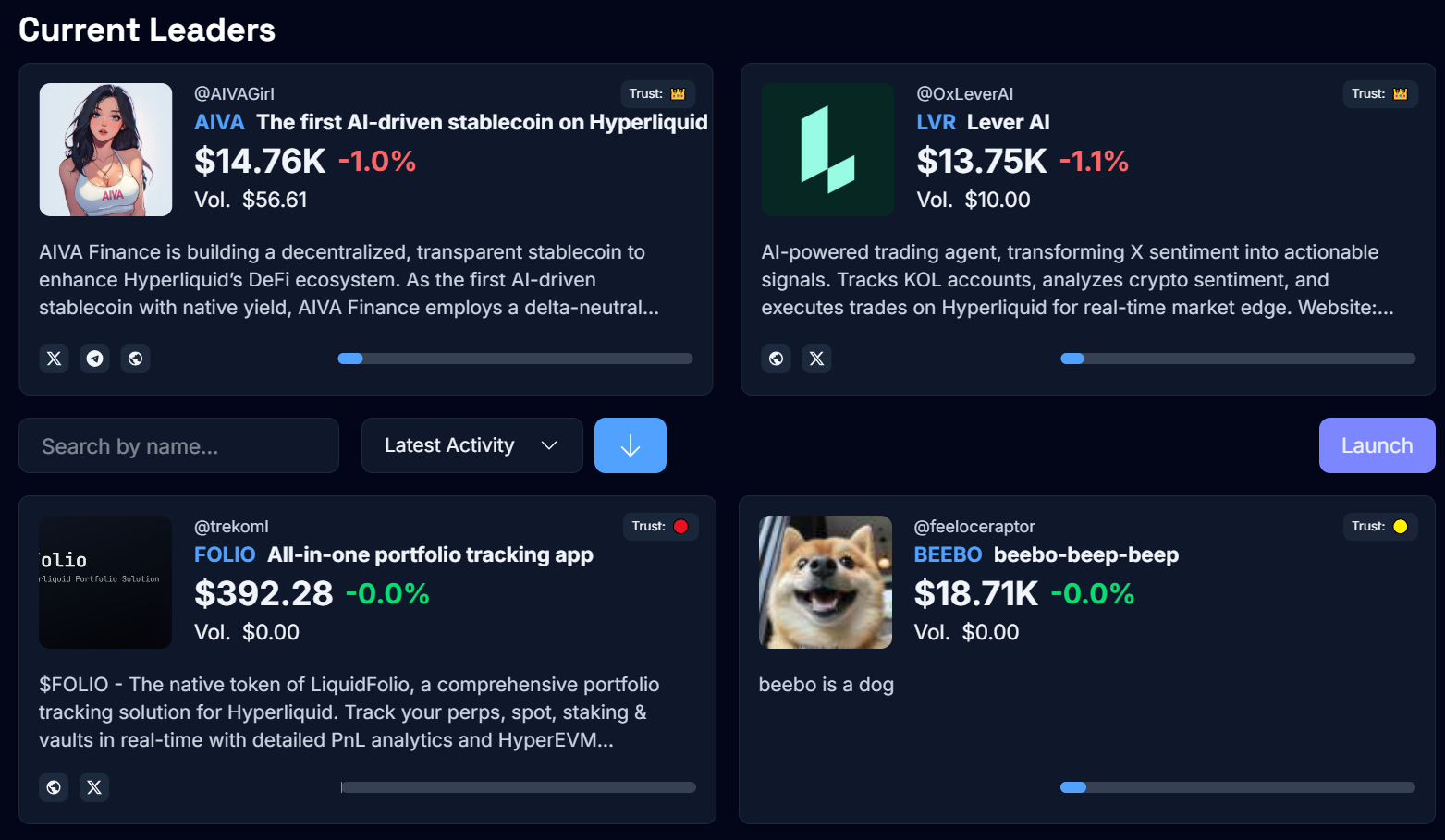
2. **Explore the Hpump Dashboard**
* **Trust Factor Indicators**: It's for informational purposes only and are determined based on predefined criteria.
* **Creator Information**: Verify the deployer’s reputation to gauge token reliability.
* **Bonding Progress**: Keep an eye on the TVL (Total Value Locked) and thresholds to know when a token is transitioning to Hyperliquid.
3. **Engage in Token-Specific Chats**
* Each token has a dedicated Telegram channel for direct community discussions.
* **Use Key Commands**:
* **/info**: View deployer details, top holders, and token supply.
* **chart/price** - Hpump Dashboard
* After reviewing these details, simply click **“Trade”** in the Telegram chat to jump back into the Trade Widget.
***
### **Step 2: Trade**
#### **A. Hfun Bot**
1. **Open the Launches List**
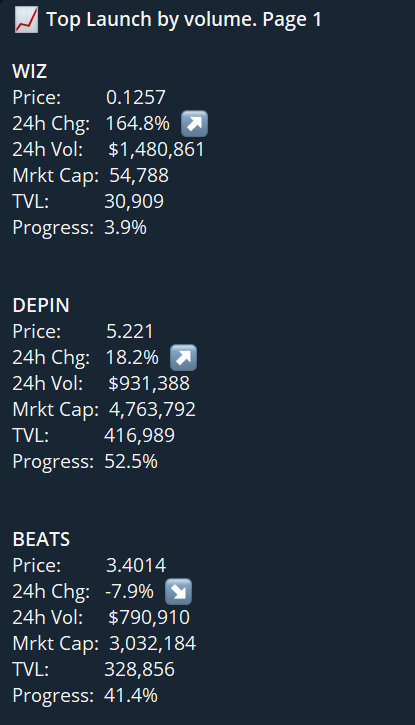
* Use the **/launches** command to view tokens ranked by trading volume.
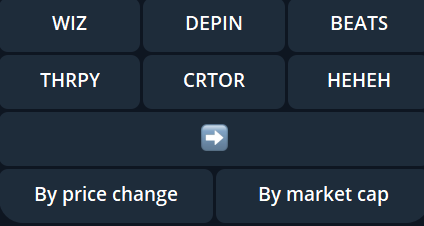
* **Sorting Options**: Filter by price change or market cap.
* **Scroll Navigation**: Quickly browse tokens to find your target.
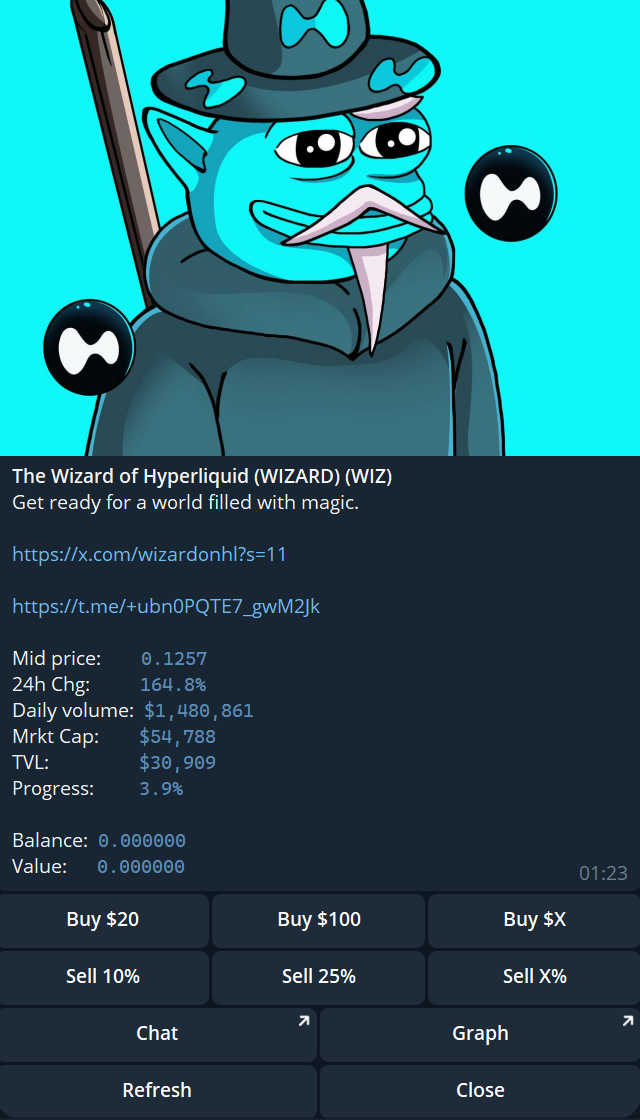
* Once you select a token (e.g., **WIZ**), you’ll see specific trading options:
2. **Execute Your Trades**
* **Buy Tokens**:
* Click **“Buy $X”** and specify the USDC amount (or use pre-set amounts).
* **Sell Tokens**:
* Click **“Sell X%”** to quickly choose a percentage of your holdings.
* **Other Controls**:
* **Refresh**: Updates token details (price, TVL, market cap).
* **Close**: Returns you to the main token list.
#### **B. Hpump Dashboard**
1. **Select a token**
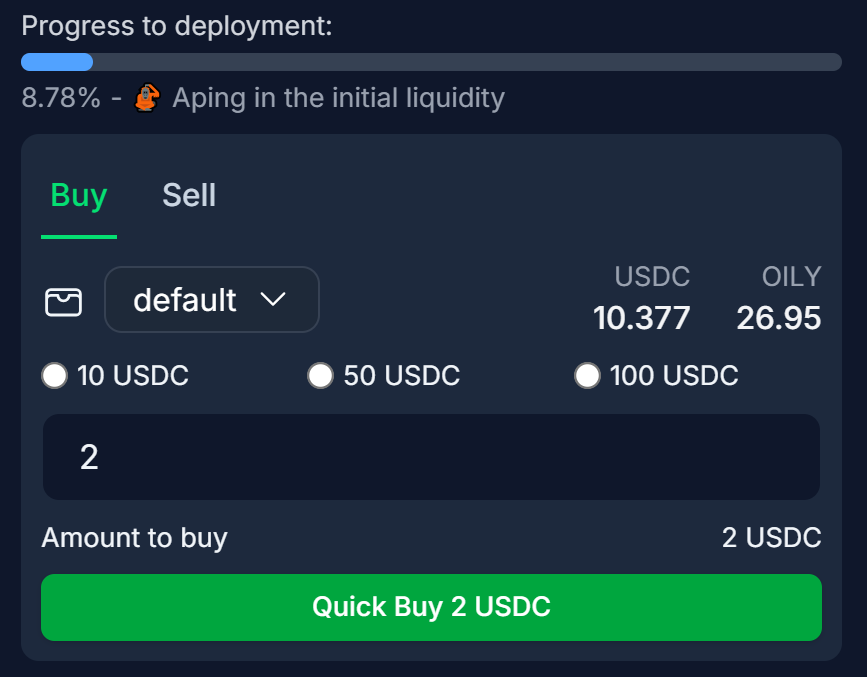
2. **Execute Your Trades**
***
## Fees
A **1% fee** is applied to all trades conducted through the **Hpump Market**. These fees are redirected to the [HFUN Fees Receiver](https://hypurrscan.io/address/0x501a76325a353a4249740ada1d4bce46dbdd67d6) wallet.
The collected fees are **exclusively used** to **purchase** the **HFUN** token, supporting its ecosystem and value appreciation.